Products
Three Windows apps, one Strafr account. Each app has its own one-time licence for one PC at a time, with every update included.
Strafr Keyboards
Actuation, Rapid Trigger, Snap Tap, remapping, gamepad and lighting for Wooting keyboards.
Free
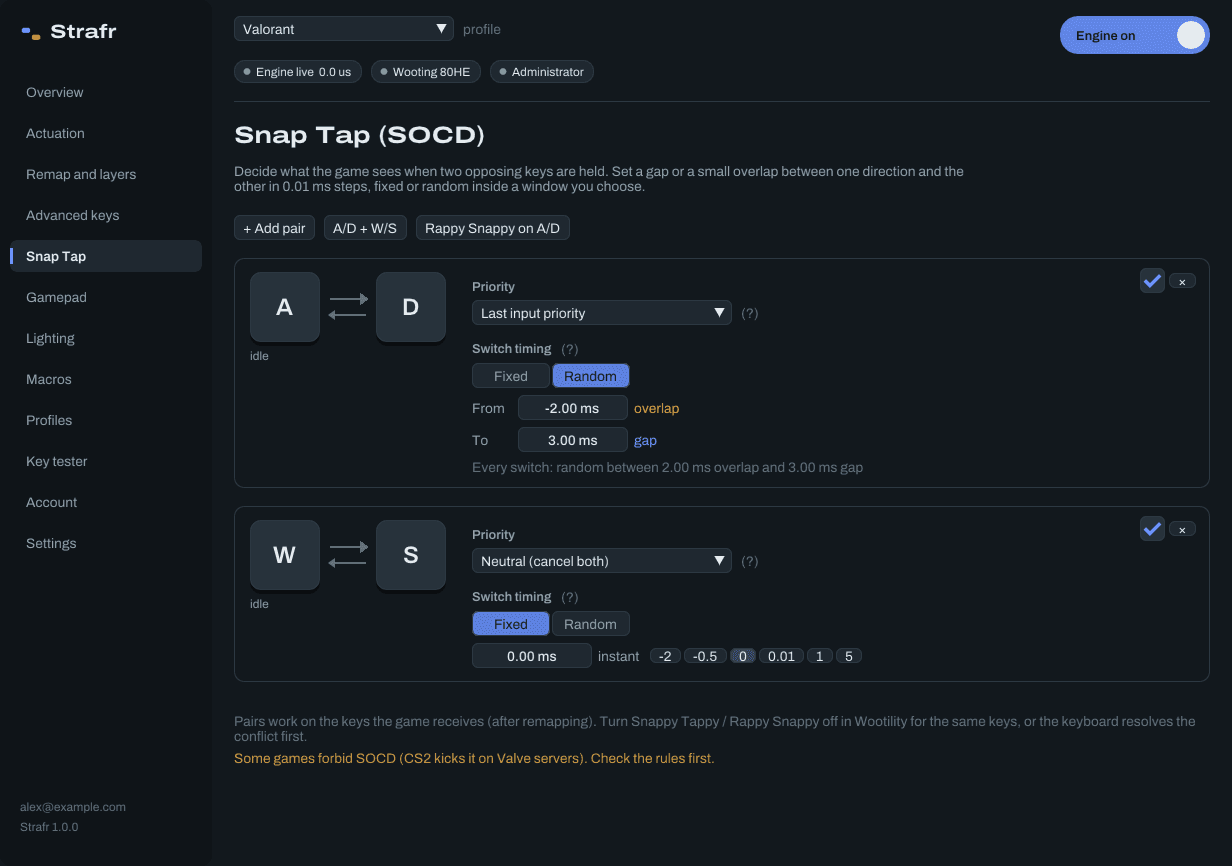
- What it does
- Actuation and Rapid Trigger per key
- Snap Tap with a gap or overlap you set
- Remapping with three Fn layers, macros, Mod-Tap and Dynamic Keystroke
- A virtual Xbox controller from analog keys
- Lighting effects and a profile per game that switches by itself
- Made for
- Wooting analog keyboards: One, Two, Two HE, 60HE, 60HE+, 60HE v2, 80HE and UwU. Remaps, macros, Snap Tap and profiles work with any keyboard.
- Needs
- Windows 10 or 11, 64-bit.
- Shared by players
- Strafr Keyboards profiles in the community
Strafr Audio
A system-wide equalizer and a 360° sound radar that shows where footsteps and shots come from.
€5.99 once
- What it does
- A real-time equalizer with up to 20 points and presets
- A live spectrum behind the curve
- Analyze sound: which frequencies were used most in 10 seconds
- A 360° sound radar overlay that shows where sounds come from
- Listen to one app and one band, like footsteps or gunshots
- Made for
- Any headset or speakers on Windows, and every game and app at once.
- Needs
- Windows 10 or 11, 64-bit. The setup installs the free Equalizer APO for the equalizer. 360° needs 5.1 or 7.1 output, or headphone surround calibrated in the app; with plain stereo the radar shows left and right.
- Shared by players
- Strafr Audio presets in the community
Strafr Mic
Real-time microphone processing: noise reduction, a voice EQ, compressor and limiter, tuned to your voice with AUTO ENHANCE.
€3.99 once
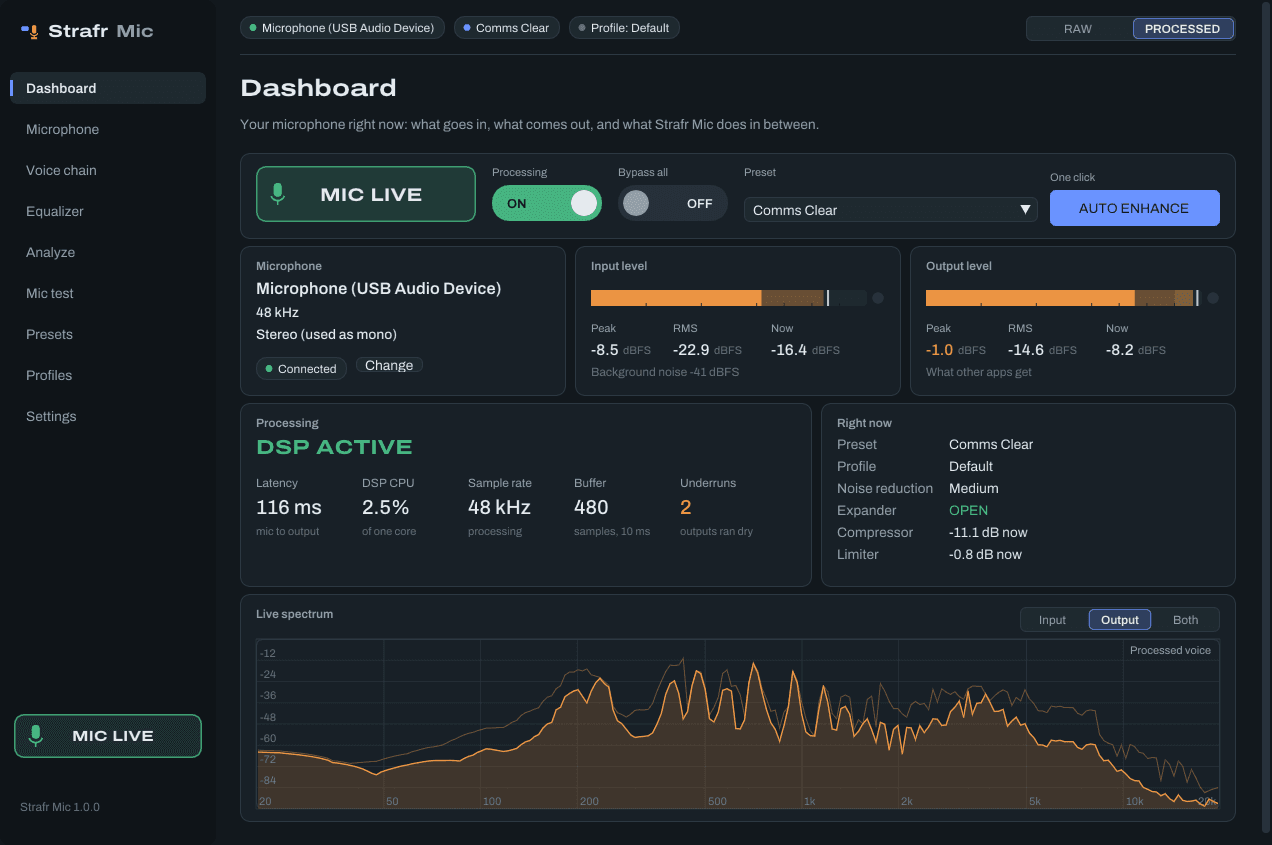
- What it does
- AUTO ENHANCE: the whole chain tuned to your voice and room in 10 seconds
- Noise reduction (RNNoise), gate or expander, high-pass and a 12-band voice EQ
- De-esser, compressor and a limiter, each with a live meter
- Analyze voice and SUGGEST EQ, and a mic test with raw and processed playback
- Profiles per game, a global mute key and push to talk
- Made for
- Any microphone on Windows, for Discord, OBS, games and every other app that records your voice.
- Needs
- Windows 10 or 11, 64-bit, and a microphone. The setup installs the free virtual cable (VB-CABLE) that other apps hear your voice through.
- Shared by players
- Strafr Mic presets in the community